Achievements, perk sharing, Company and two new languages
Hunters now earn achievements, and a paid supporter can share their perks with teammates. Contractor adds a Company tab to the dossier, Banisher gets up to five overlays with 15 art styles, and both sites read in Portuguese and Italian.
Achievements
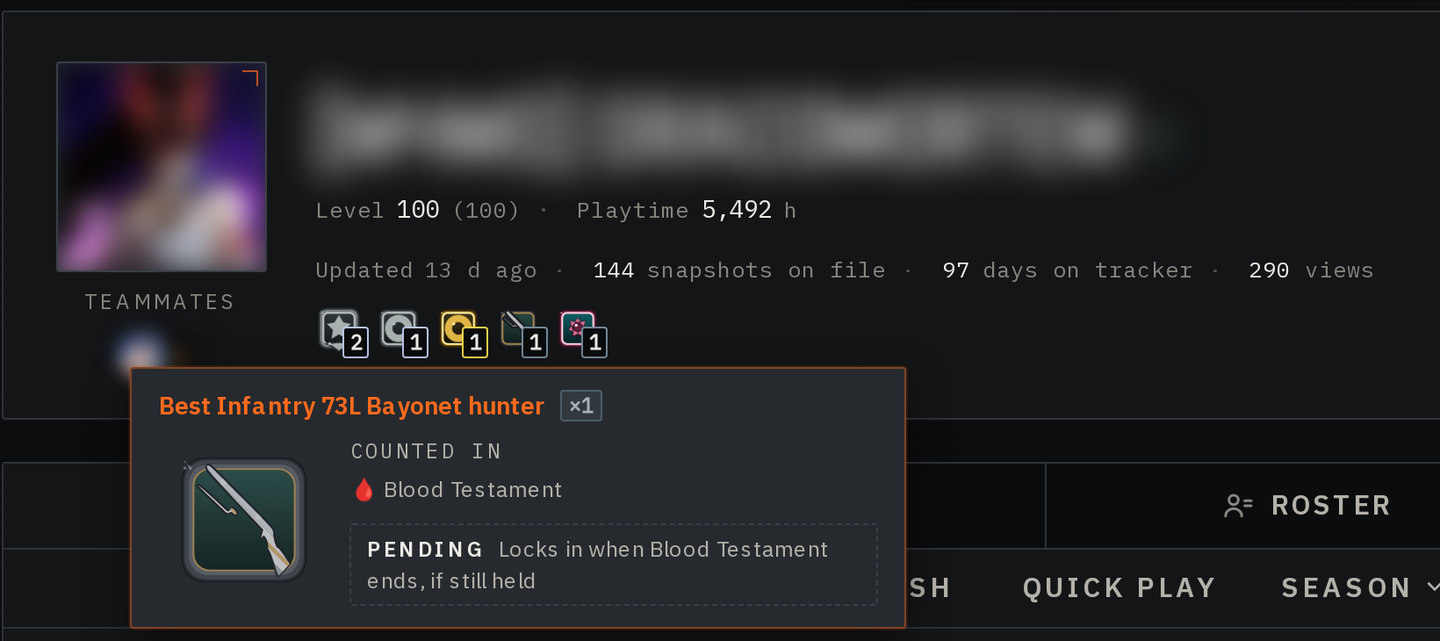
A dossier now shows the hunter's achievements: the Top 3 and tiers of each season's MMR and KDA ladders, the Quick Play Top 3, the best hunter with a weapon and Match of the day.
An achievement gains a level each season it is earned again. The running season's level stays pending until the season closes, and a notification tells you if another hunter takes it from you.
A private account or match history, hiding from leaderboards or opting out in the game stops new levels and hides your achievements from others.
Share your perks with teammates
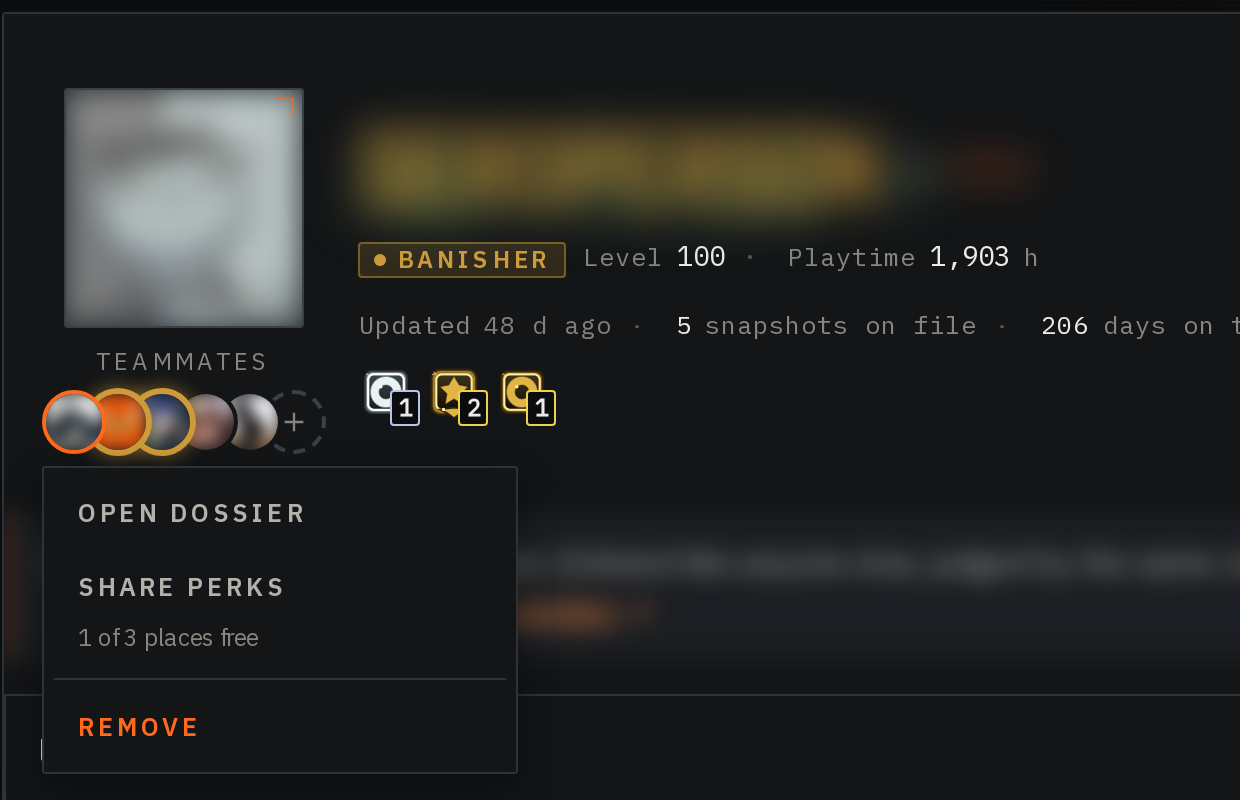
A paid Contractor can share their perks with 1 teammate, a paid Banisher with 3. Pick Share perks in a teammate's menu on your dossier. The teammate must have signed in to the Ledger once and hold no perks already. They get every perk of your plan except the Supporters listing, the badge and the name styling.
You can stop a share 7 days after it starts, and the teammate can decline it in the Perk sharing section of their account page. Trials, referral passes and creator access can't be shared.
Company
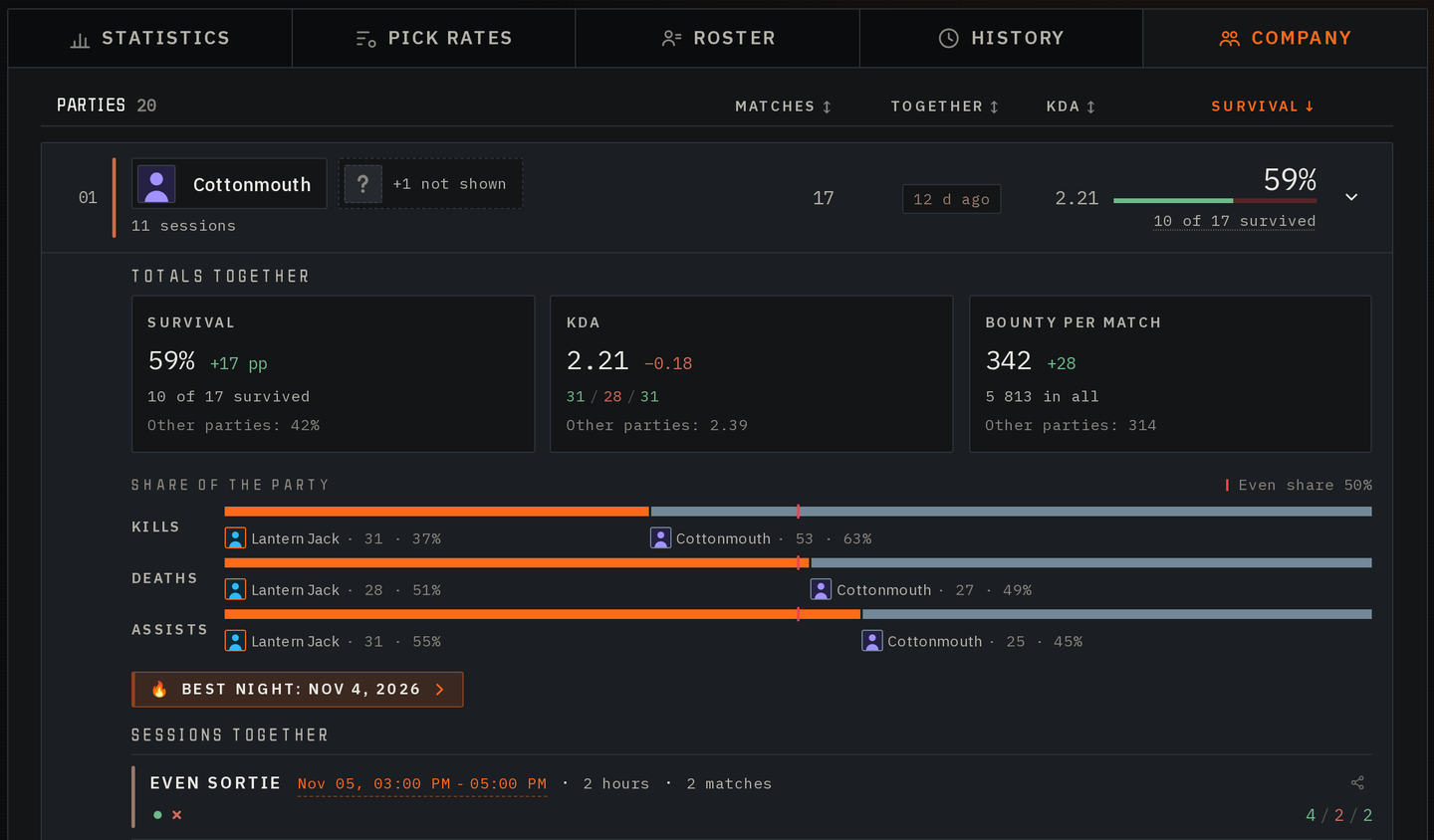
Company, a new dossier tab for Contractor and Banisher, groups your matches by the tracked teammates you played with, best survival first, with your totals together and your best nights. Teammates who don't collect their matches, or hide from teammate lists, are counted but never named.
To keep the tab to yourself, tick Hide my Company tab in your privacy settings. To see the tab filled in, open Lantern Jack, one of our demo hunters.
Share a dossier, a match or a session
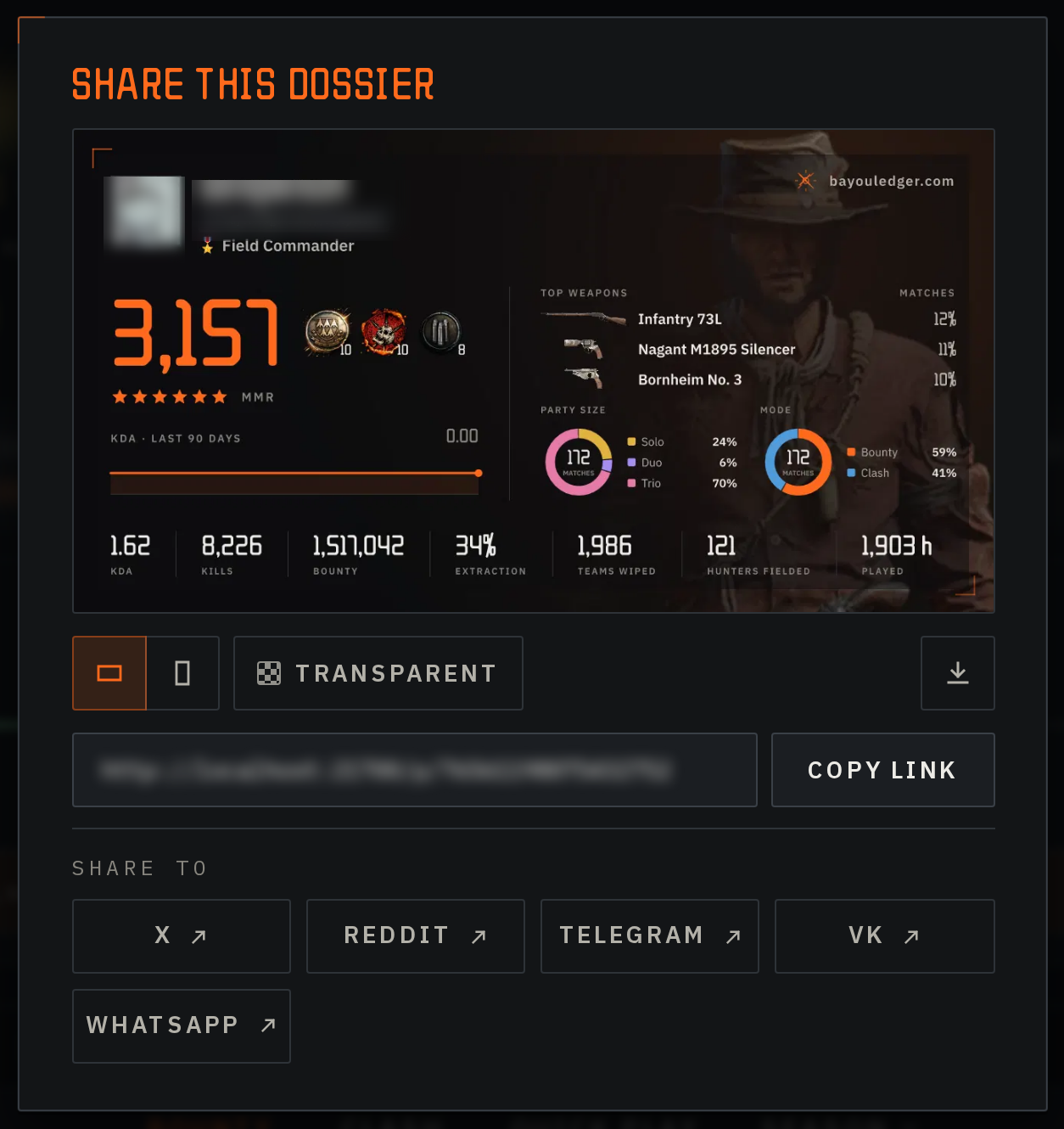
The share icon on a dossier, on a match card and on a History session gives you a link. A dossier and a match also get a stats card image, horizontal for posts or vertical for stories, unless the account or match history is private. Download it, copy the link or send it to X, Reddit, Telegram, VK or WhatsApp.
A friend who isn't signed in signs in first, then lands on that match or session. A dossier link posted in a chat previews with its card.
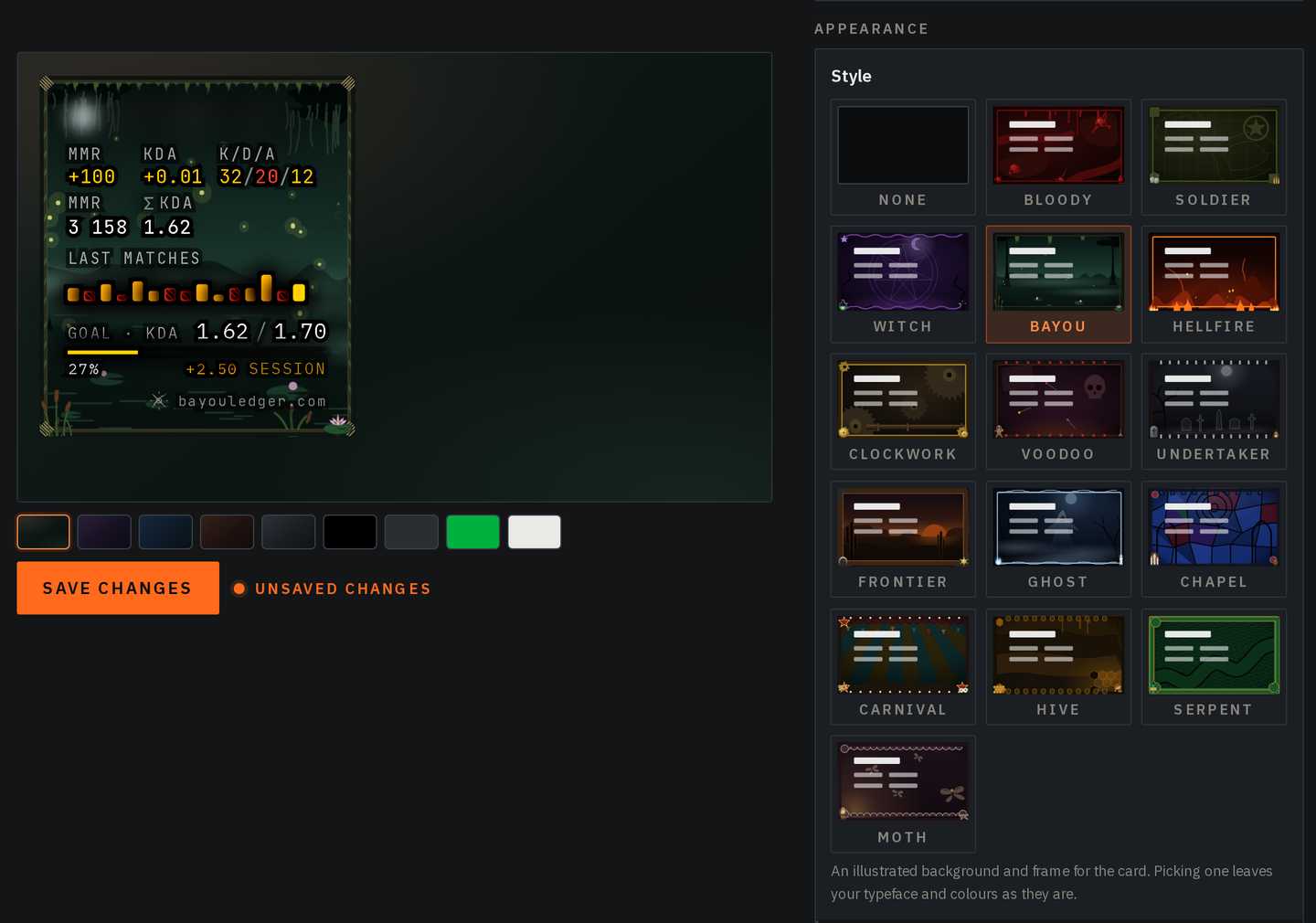
Up to five overlays, with art styles
Banisher can keep up to five overlays, each with its own URL and settings, under Your overlays in the overlay editor. Your current overlay stays first, and its URL doesn't change.
Style dresses an overlay in one of 15 illustrated looks, such as Bayou, Clockwork or Ghost, and Animate style sets it moving.
Show recent results adds a strip of your last 5 to 20 matches, and the Extended card can show account-wide figures such as lifetime kills and bounty. In History mode, rows can list single matches; an overlay already in History mode keeps its session rows. Setup is in the OBS overlay guide.
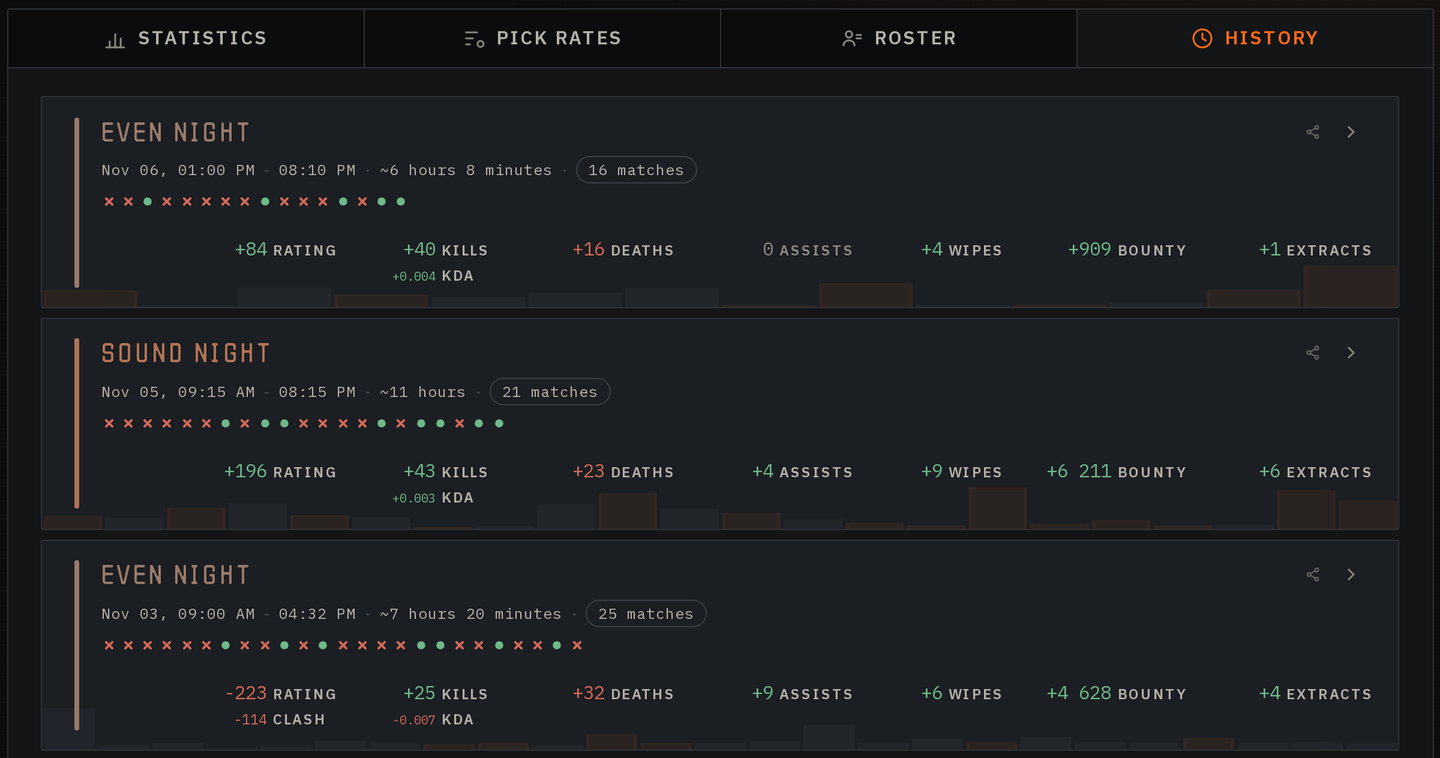
Sessions on the History tab
Each session on a dossier's History tab opens with its verdict over faint bars, one for every MMR change in the session: orange where MMR rose, grey where it fell, and taller for a bigger change. The session still in play is tagged Current. Inside a session, each hour lists only the figures that moved.
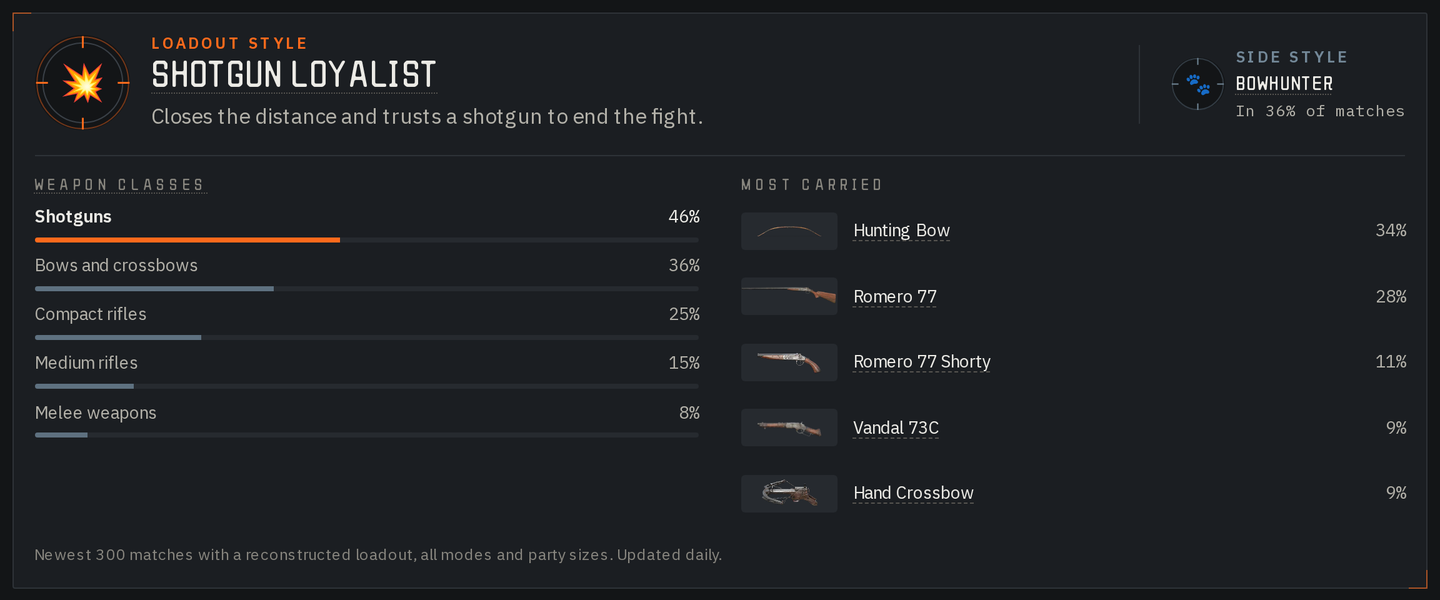
Loadout style
After 100 recorded matches, a dossier's Pick rates tab names the hunter's Loadout style from their newest 300: one of eight, such as Long Gunner or Shotgun Loyalist, or Jack of All Trades when no weapon class leads.
Some hunters also get a Side style, such as Bowhunter or Field Medic. The card shows the share of each weapon class and up to five weapons carried most, and updates daily.
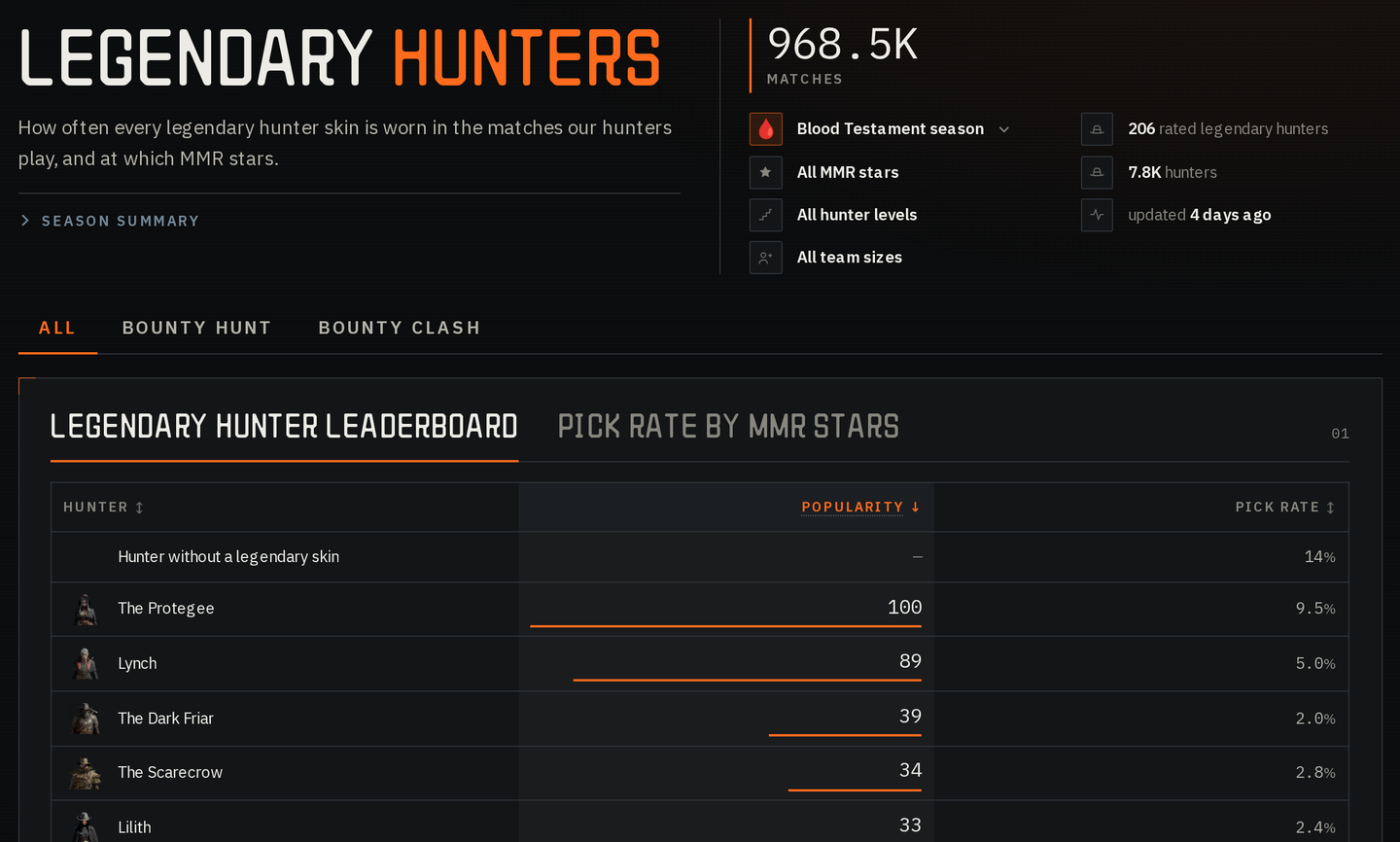
Legendary hunters and weapon leaderboards in Pick rates
A fifth board, Legendary hunters, shows how often hunters wear each legendary skin, and at which MMR stars. Hunters with no skin get their own row at the top.
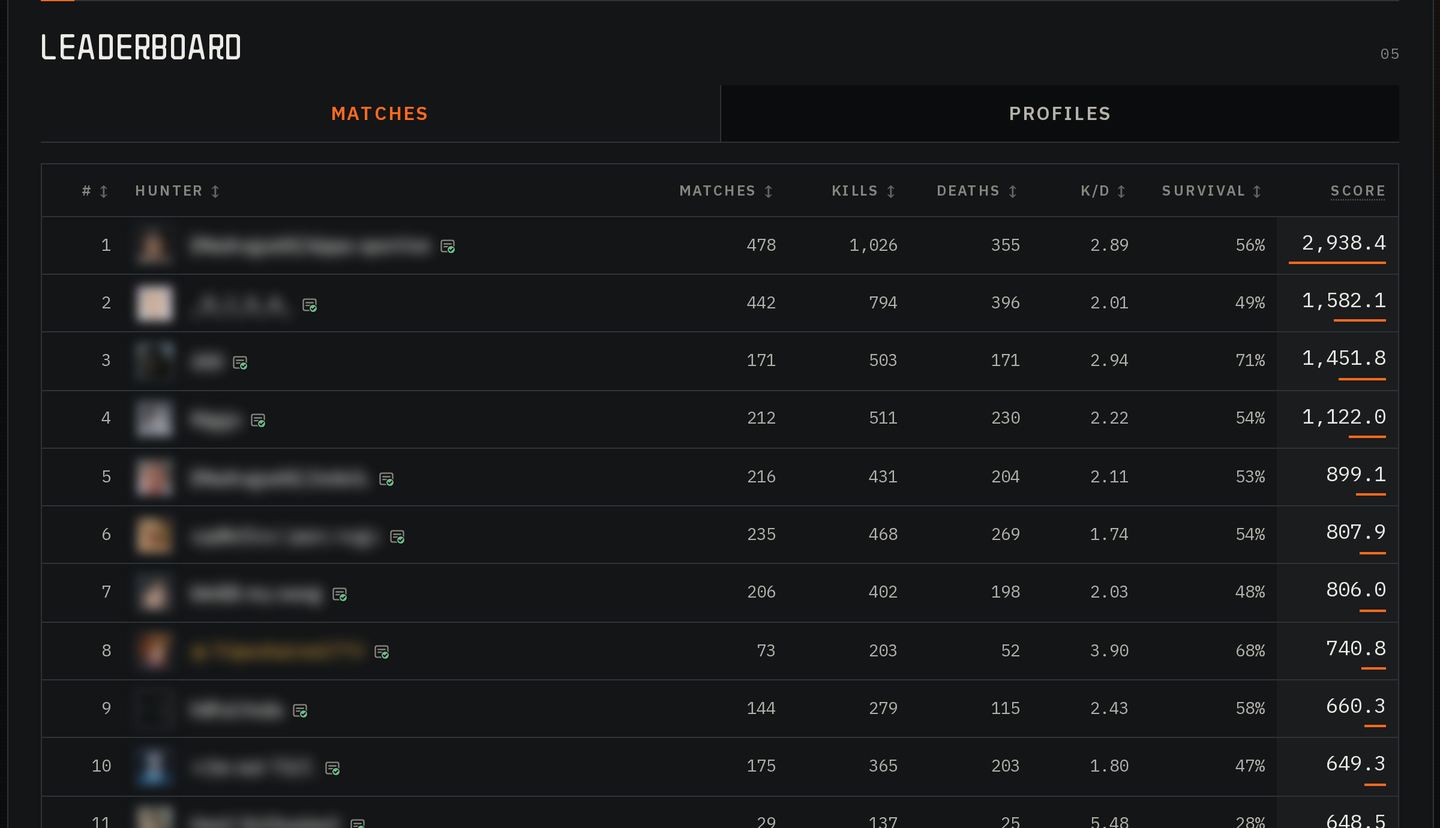
Weapons that award an achievement for their best hunter, and every legendary hunter, have a Leaderboard with two tabs. Matches ranks the 50 best hunters with it by kills multiplied by K/D. Profiles ranks hunters whose in-game profile card shows their kill count with it: the top 30, plus your own row. Both are explained in the Pick rates guide.
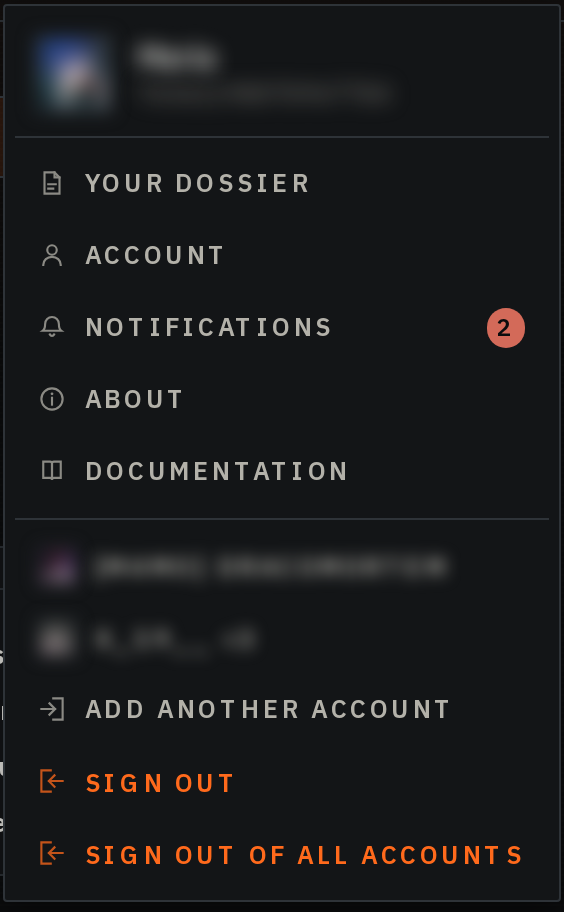
Several Steam accounts in one browser
Add another account in the account menu signs in one more Steam account, up to 5 on one browser, and the menu switches between them in one click. Sign out leaves the current account for the next one, and Sign out of all accounts ends them all.
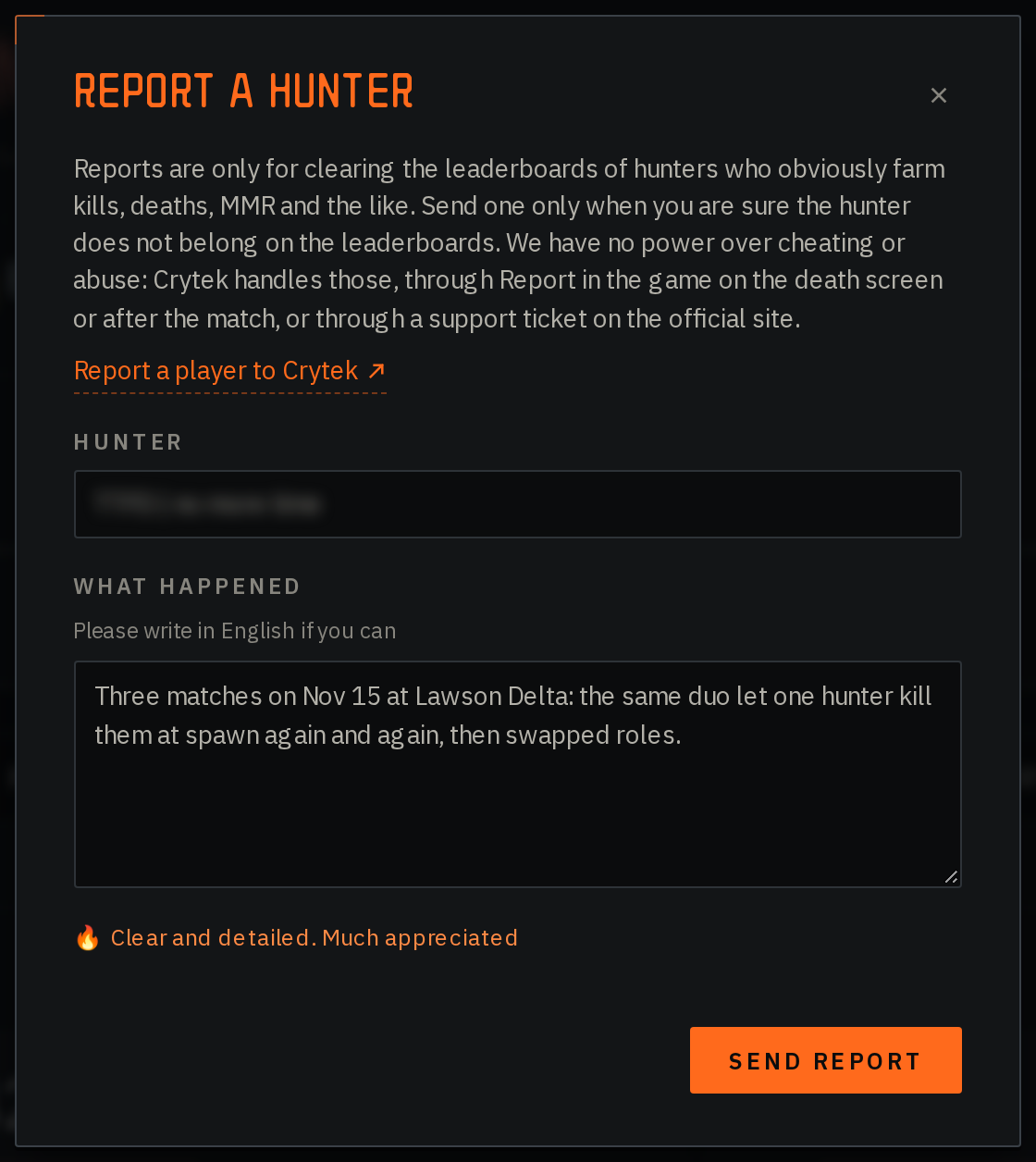
Report kill farming
Report this hunter on a dossier, or Report this match behind the flag icon on a match card, reports a hunter who obviously farms kills, deaths or MMR and does not belong on the leaderboards. Reporting needs sign-in and allows 20 reports a day, and the reported hunter is never told. When we act on your report, you get a notification.
Crytek handles cheating and abuse: report those in the game or through a support ticket, linked from the report window.
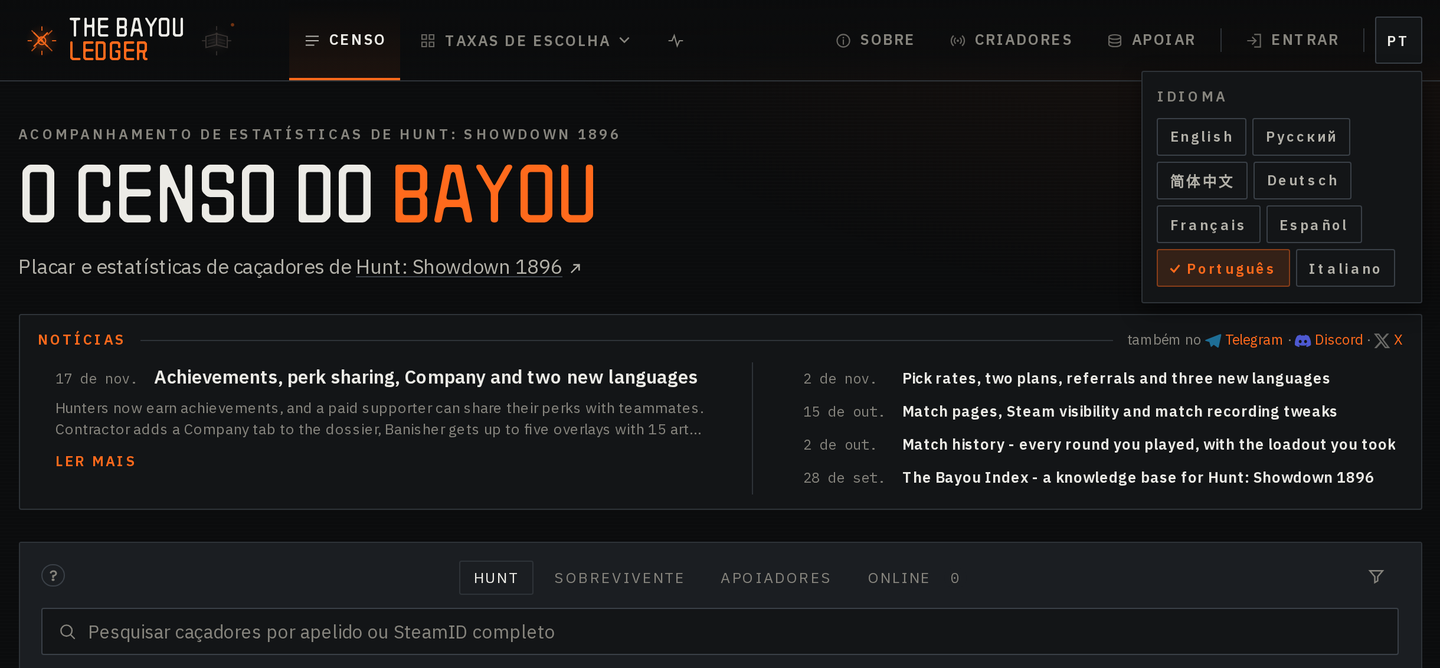
Portuguese and Italian
The Bayou Ledger and the Bayou Index now read in Portuguese and Italian. Pick one in the language menu at the top right. A first visit to the Ledger from Italy, San Marino, Portugal, Brazil or Portuguese-speaking Africa opens in that language. Docs and news stay in English for these two.
Any language you picked before has been reset, so pick yours again if the site opens in the wrong one.
Everything else
- Hover a hunter's name on the roster, the Watchlist, Pulse or a dossier to see a card with their archetype, rating, KDA, loadout style, achievements and, for a Banisher, their bio
- Bayou Index pages are lighter: a first visit to the weapons list downloads about 40% less, a patch page about 70% less